The first developer beta of iOS 14.5 and iPadOS 14.5 is officially here, and it includes a variety of changes, new features, and improvements for iPhone and iPad users. The update is headlined by new privacy controls and a new Apple Watch unlocking feature, but there are a variety of other improvements as well.
The latest builds of each operating system can be acquired from the Apple Developer Center for devices enrolled within the testing program, as well as via an over-the-air update on hardware already using beta software. A public beta build usually arrives some time after the developer counterparts, as part of the Apple Beta Software Program.
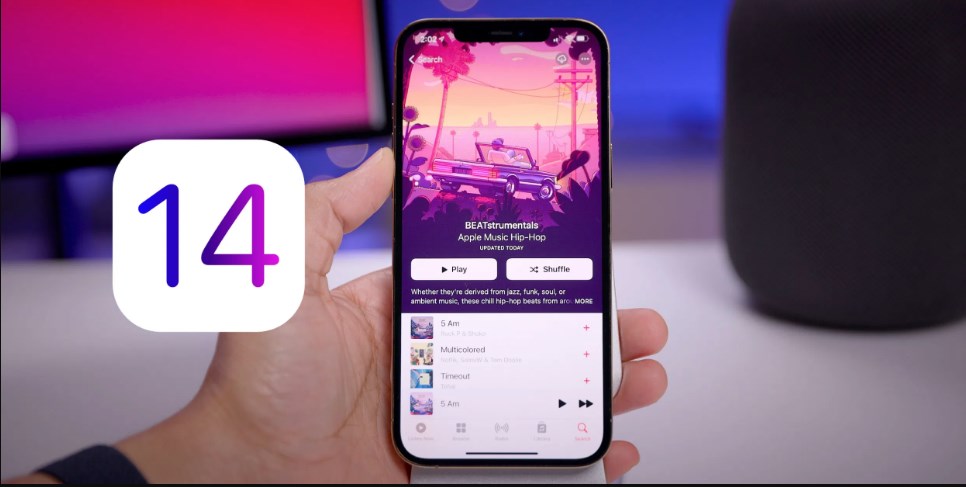
App Tracking Transparency (ATT) feature would launch only in the next developer beta. The first developer beta of iOS 14.5, iPadOS 14.5, tvOS 14.5, and watchOS 7.4 feature the usual bug fixes and minor improvements.
Now users can now unlock their iPhone while wearing a mask using Face ID feature - but the feature only works on iPhone (not iPad) and it requires an Apple Watch. The watch essentially unlocks iPhone when try to use Face ID while wearing a mask that's covering both mouth and nose. The Apple Watch must be on your wrist and unlocked.
Apple said developers are now required to get your permission before tracking you, and you can see or change which apps you have given permission in Settings. And also expanded the handwriting recognition and Scribble features on iPad to support Italian, German, Portuguese, French and Spanish. That means, with an Apple Pencil, you can write by hand in these languages in any text field, as well as easily select, cut, and paste text into another file typed in text.
Apple released the latest public versions of iOS 14.4 and iPadOS 14.4, tvOS 14.4, and watchOS 7.3 on Tuesday. The primary features for those releases included third-party Find My Item support and the new Unity Apple Watch face.
Team Apple strongly suggest users to avoid installing betas on to "mission-critical" or primary devices, due to the potential for data loss or other issues. It is instead recommended to install betas onto secondary or non-essential devices, and to ensure there are sufficient backups of important data beforehand.


